Google
부산 카페 추천
부산 카페 추천
디저트 · 커피 · 전망을 담은 가상 카페의 검색 예시입니다.
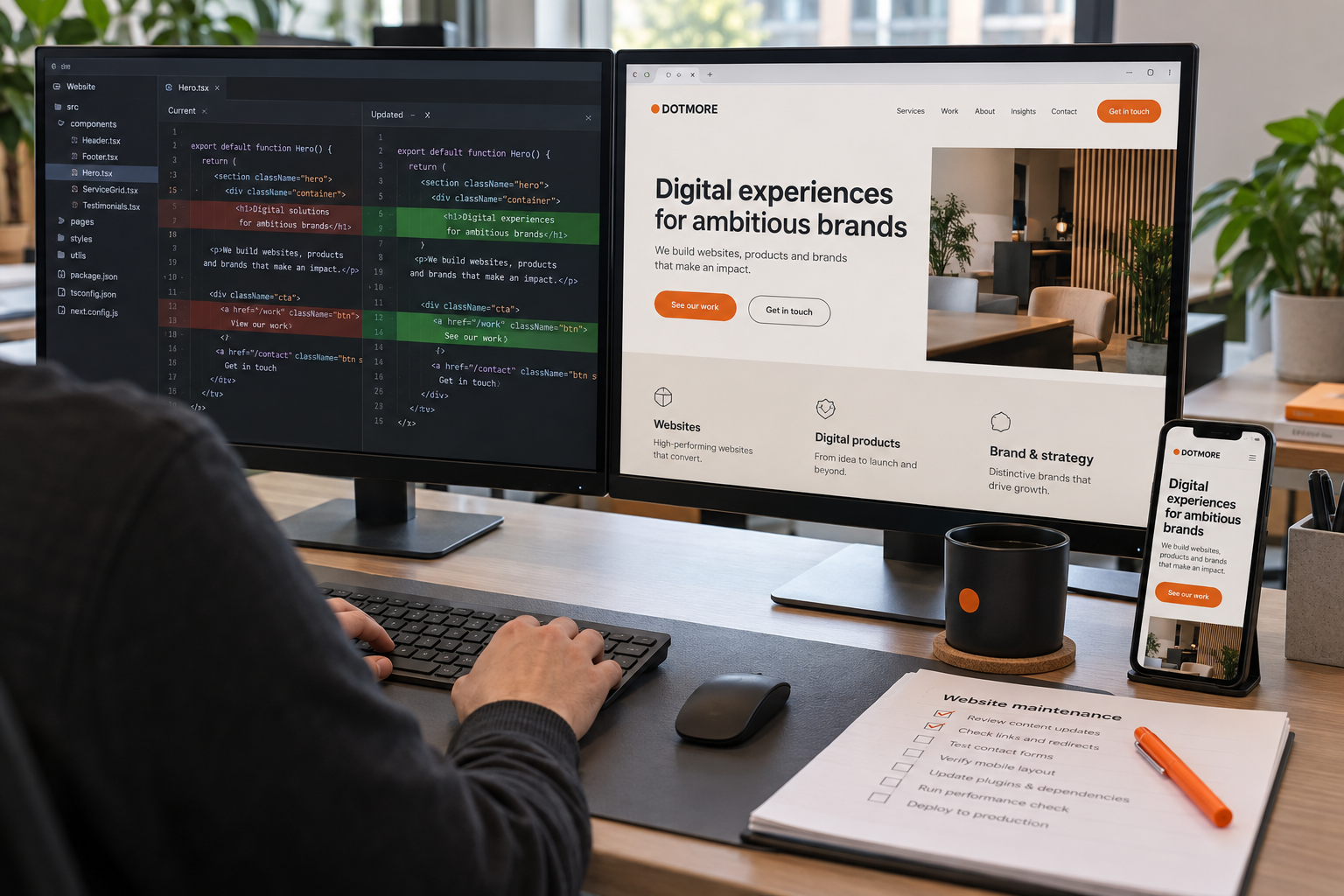
업체와 홈페이지에 맞춰 검색 정보를 최적화합니다.
SEO · GEO
검색 결과와 AI 답변에 필요한
홈페이지 정보를 정리합니다.
부산 카페 추천
디저트 · 커피 · 전망을 담은 가상 카페의 검색 예시입니다.
PAGE INFORMATION
업체의 서비스와 브랜드에 맞춘 홈페이지 기획·디자인·개발. PC와 모바일 화면을 함께 제작합니다.
<title>홈페이지 제작 | 닷모어 DOTMORE</title>
<meta name="description" content="업체의 서비스와 브랜드에 맞춘 홈페이지 기획·디자인·개발. PC와 모바일 화면을 함께 제작합니다.">
<link rel="canonical" href="https://dotmore.example/website.html">
<meta property="og:title" content="홈페이지 제작 | 닷모어 DOTMORE">
<meta property="og:description" content="업체의 서비스와 브랜드에 맞춘 홈페이지 기획·디자인·개발. PC와 모바일 화면을 함께 제작합니다.">
<meta property="og:url" content="https://dotmore.example/website.html">
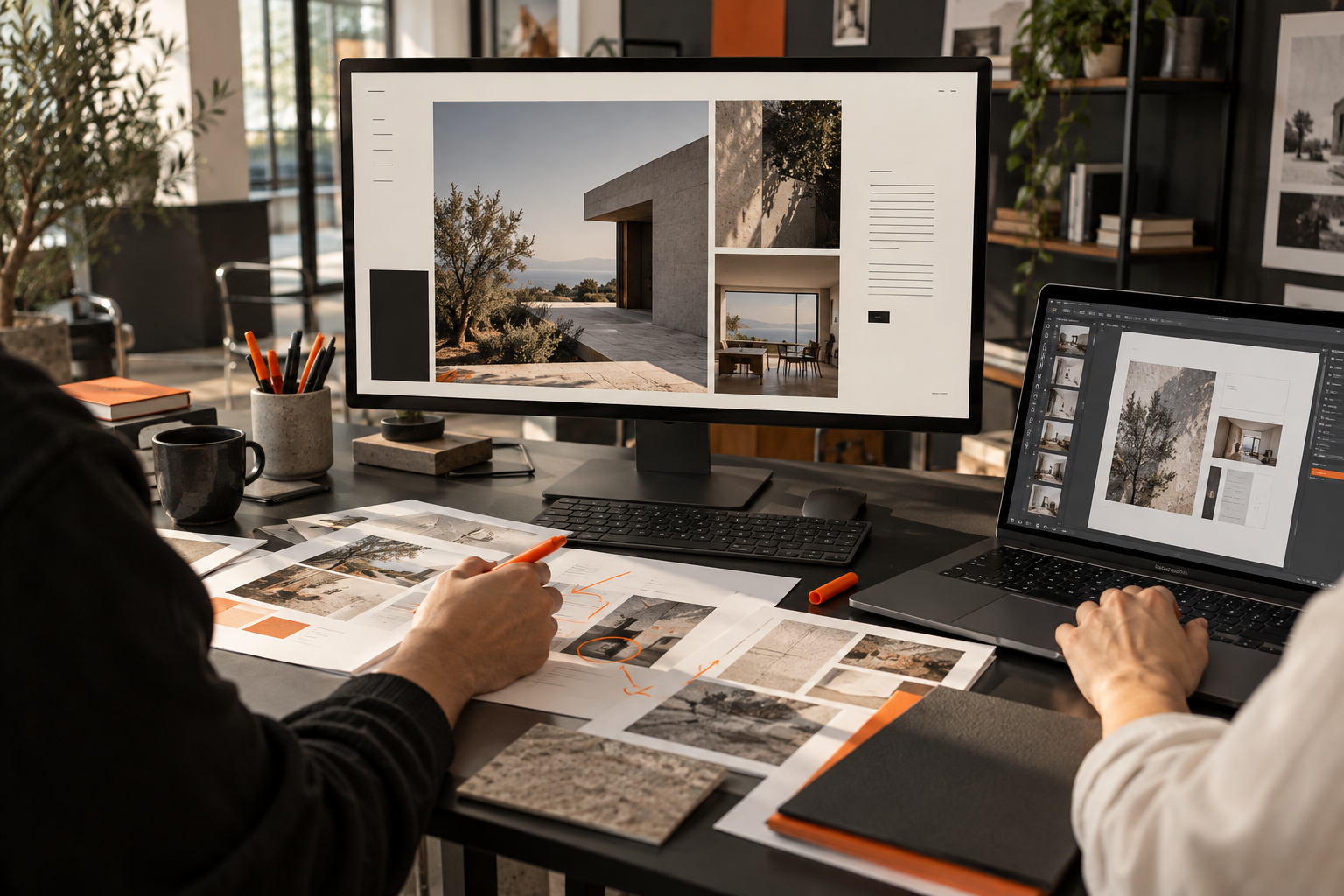
<meta property="og:image" content="https://dotmore.example/images/office-team-r14.png">페이지에 보이는 서비스 5개를 같은 순서로 작성합니다.
SERVICES / COLLECTION
질문은 Question, 해당 답변은 Answer로 표현합니다.
QUESTIONS & ANSWERS
브랜드 전략·네이밍·아이덴티티·적용 디자인 중 필요한 범위를 협의합니다.
현재 홈페이지와 수정할 내용을 확인한 뒤, 유지보수로 진행할 범위를 안내합니다.
질문·답변의 의미를 표현하는 데이터 예시입니다.
보이는 글의 제목·본문·작성 주체를 기준으로 작성합니다.
INSIGHTS / BRANDING
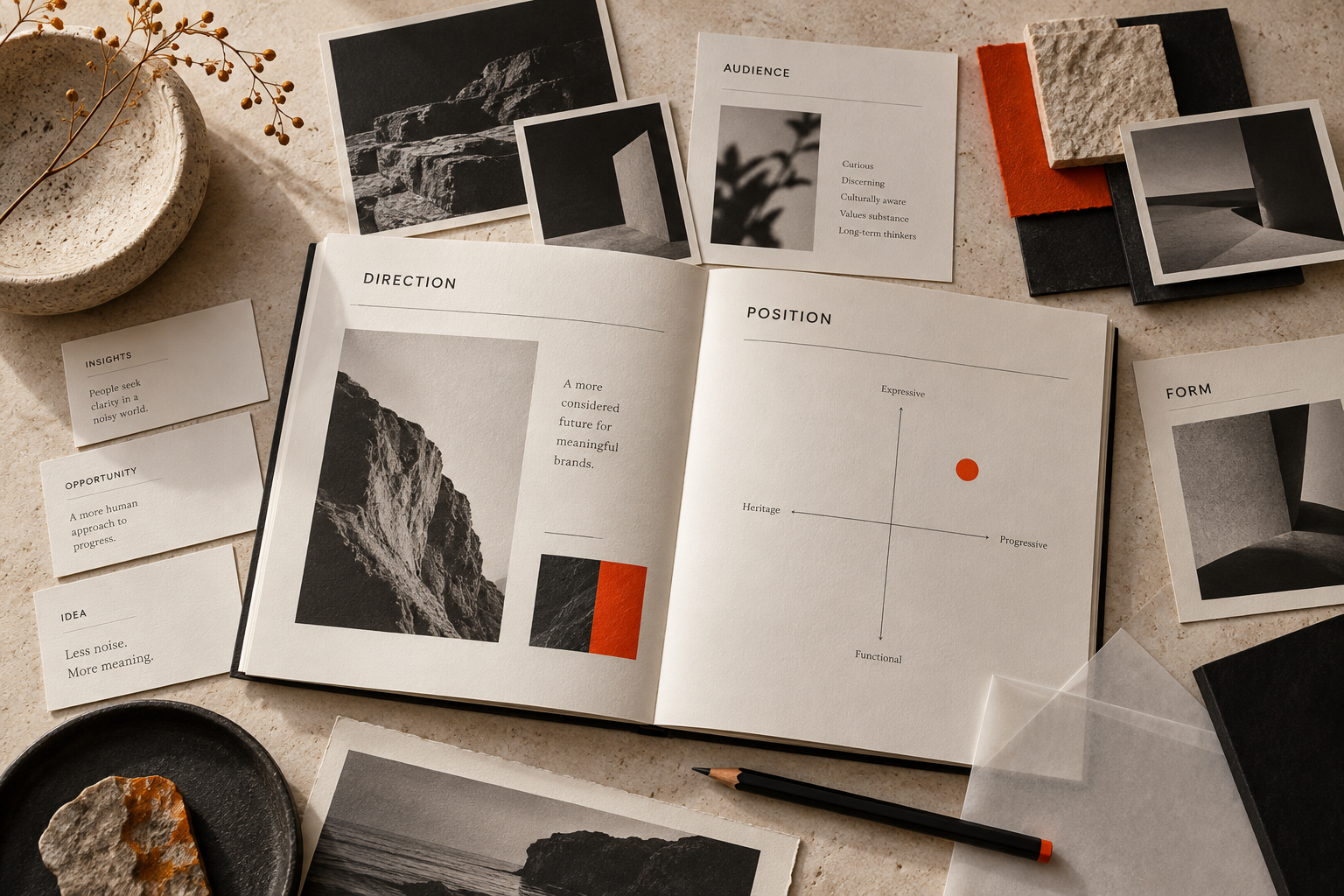
현재 브랜드 자료와 고객 접점, 바꿀 범위를 정리하는 방법을 소개합니다.
현재 사용하는 로고와 소개 문장, 웹사이트와 인쇄물을 모아 보세요.
유지할 자산과 바꿀 표현을 구분하면 리뉴얼의 범위를 구체적으로 정할 수 있습니다.
고객과 제공 서비스가 어떻게 달라졌는지도 함께 확인합니다.
각 항목의 @id로 제공 주체와 페이지의 관계를 표현합니다.
제공 주체
<script type="application/ld+json">
{
  "@context": "https://schema.org",
  "@type": "ItemList",
  "@id": "https://dotmore.example/services.html#list",
  "name": "닷모어 서비스",
  "itemListOrder": "https://schema.org/ItemListOrderAscending",
  "numberOfItems": 5,
  "itemListElement": [
    {
      "@type": "ListItem",
      "position": 1,
      "item": {
        "@type": "Service",
        "@id": "https://dotmore.example/website.html#service",
        "name": "홈페이지 제작",
        "url": "https://dotmore.example/website.html"
      }
    },
    {
      "@type": "ListItem",
      "position": 2,
      "item": {
        "@type": "Service",
        "@id": "https://dotmore.example/maintenance.html#service",
        "name": "유지보수",
        "url": "https://dotmore.example/maintenance.html"
      }
    },
    {
      "@type": "ListItem",
      "position": 3,
      "item": {
        "@type": "Service",
        "@id": "https://dotmore.example/search.html#service",
        "name": "SEO·GEO",
        "url": "https://dotmore.example/search.html"
      }
    },
    {
      "@type": "ListItem",
      "position": 4,
      "item": {
        "@type": "Service",
        "@id": "https://dotmore.example/branding.html#service",
        "name": "브랜딩",
        "url": "https://dotmore.example/branding.html"
      }
    },
    {
      "@type": "ListItem",
      "position": 5,
      "item": {
        "@type": "Service",
        "@id": "https://dotmore.example/marketing.html#service",
        "name": "마케팅",
        "url": "https://dotmore.example/marketing.html"
      }
    }
  ]
}
</script>보이는 내용에 맞는 유형을 선택합니다. 각 예시의 코드는 별도로 확인·복사할 수 있습니다.
웹사이트 화면과 사진 자료를 함께 검토하는 제작팀
<img src="images/office-team-r14.png"
     alt="웹사이트 화면과 사진 자료를 함께 검토하는 제작팀"
width="1536" height="1024">코드의 주소는 적용 구조를 보여주는 예시 주소입니다.
CUSTOM OPTIMIZATION
업체 정보와 제공 서비스, 현재 페이지를 분석해 작업 항목을 정합니다.
페이지 제목, 본문 주제, 서비스와 메뉴 구조를 확인합니다.
실제 내용에 맞춰 메타 정보와 구조화데이터, 이미지 설명을 작성합니다.
사용 환경에 맞는 적용 위치를 정하고 변경 내용을 확인합니다.